Shaders / Technical
This page is a collection of shaders/scripts I've written for different things. Some of it contains prototype/placeholder artwork.
Unity - River Water Shader
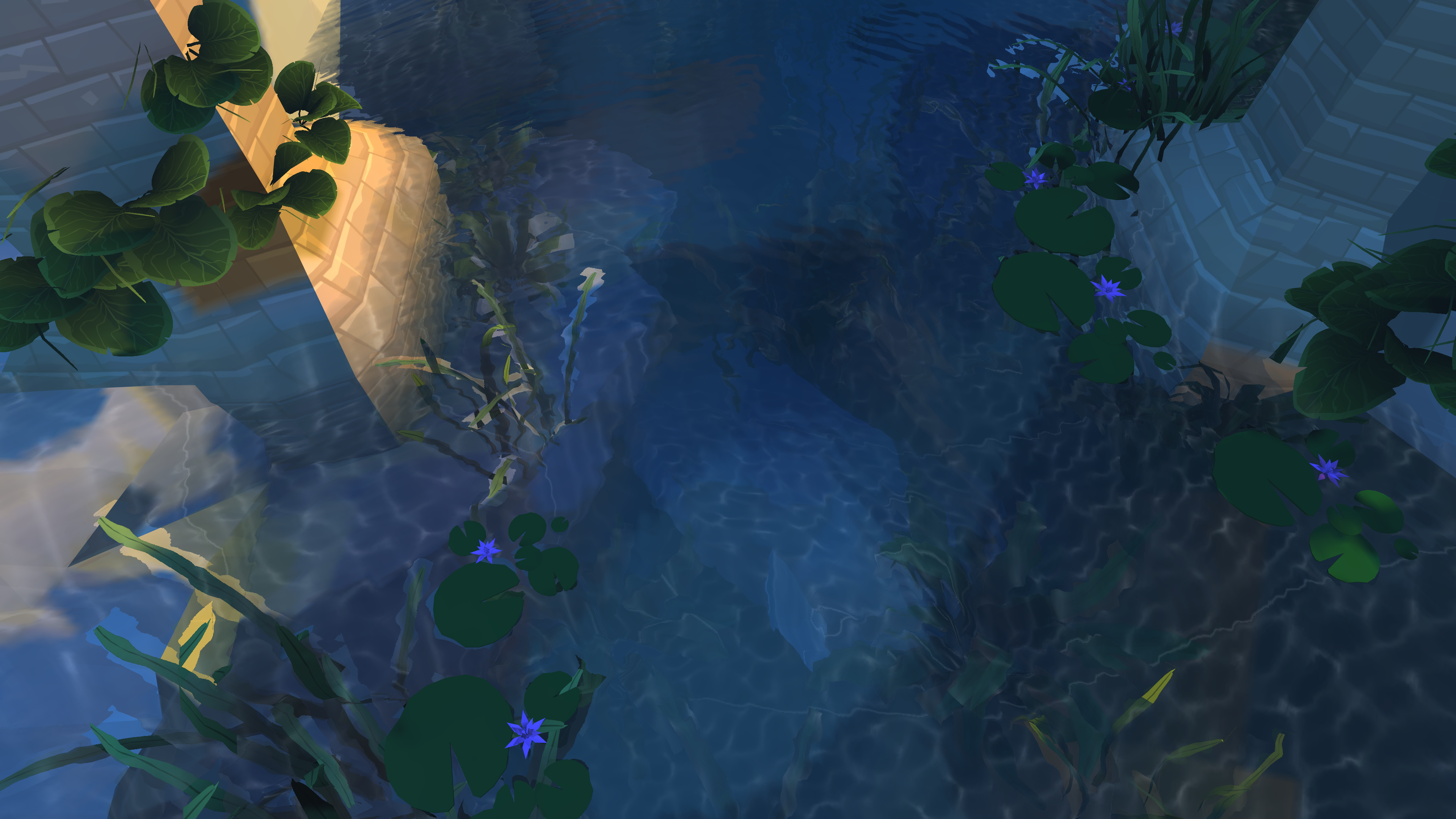
River water shader with Artist controlled parameters:
- Caustic Texture (Sprite Sheet)
- Caustic Intensity, Depth and Scale
- Normal Map for surface Waves
- Wave Scale and Speed and Intensity Controls
- Distortion based of off Normal map. Intensity artist tuned.
- Fresnel to blend between Refraction and Reflection
- Water Scattering/Fog Colour. Normally should be darker, allows for more stylized effects.
- Water Scattering/Fog Depth and Falloff
- Depth Biased Blending for Soft Edges of water.
Shader was mostly designed to be used with a stylized project. The surrounding artwork is very work in progress and primarily designed for low end devices.
Final Shader:



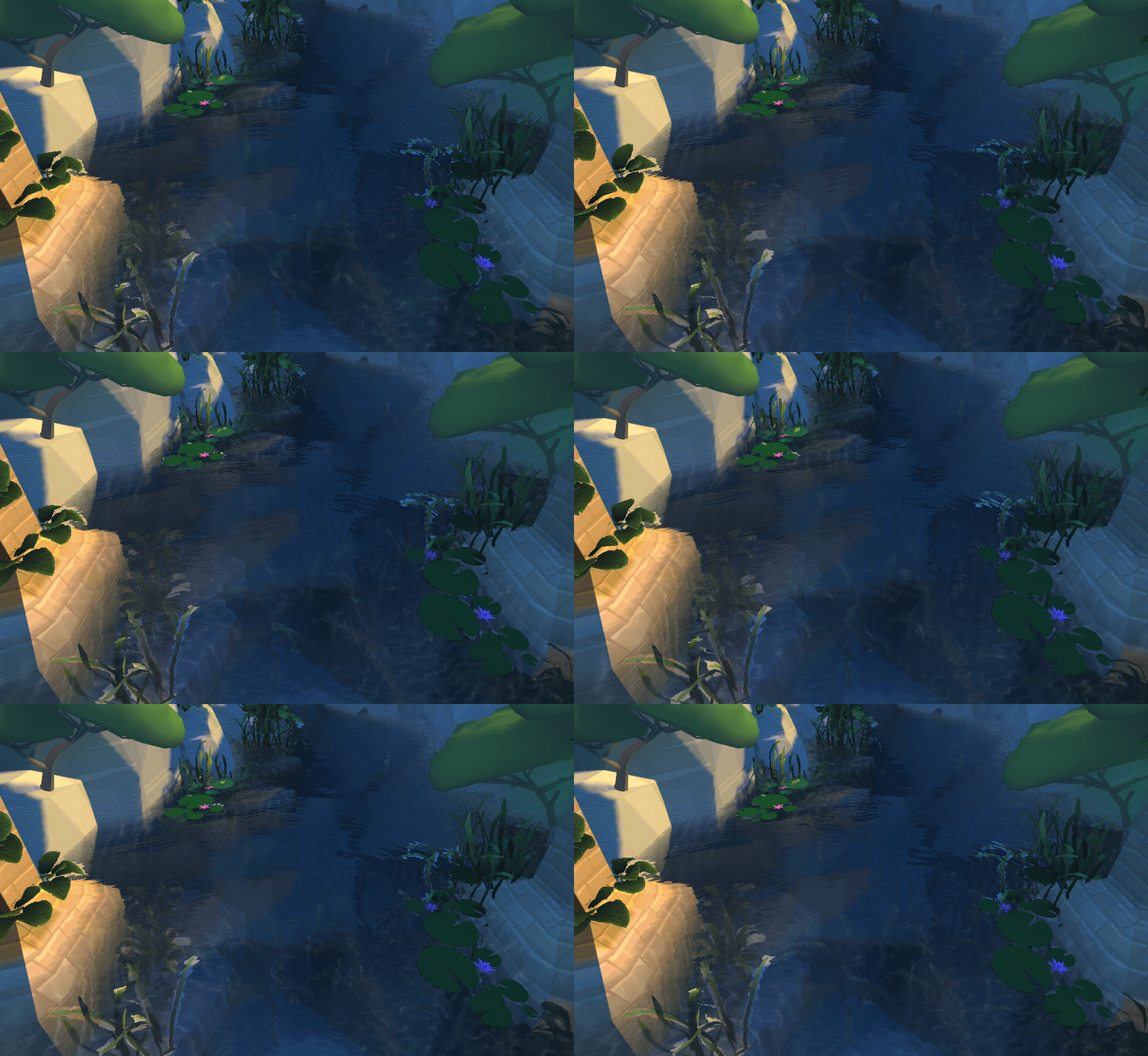
Caustic Depth Control:

Fresnel Control for Refraction vs Reflection:

Fog Height Distance

Fog Depth Falloff

Fog Colour Control:

Distortion Control

Boat/Object clipping through water using Stencil Buffer, stops water rendering in boat.

Shader Properties for Artists to tweak,

Motorsport Manager - Track Evolution
Shader that allows the track to dynamically change based on the weather and race age. Rain will puddle and eventually flood the track. As the rain stops and the cars are still on track the racing line will begin to dry out, following this the track then starts to become worn in.


Track Rubber being blended in. Follows the racing line.
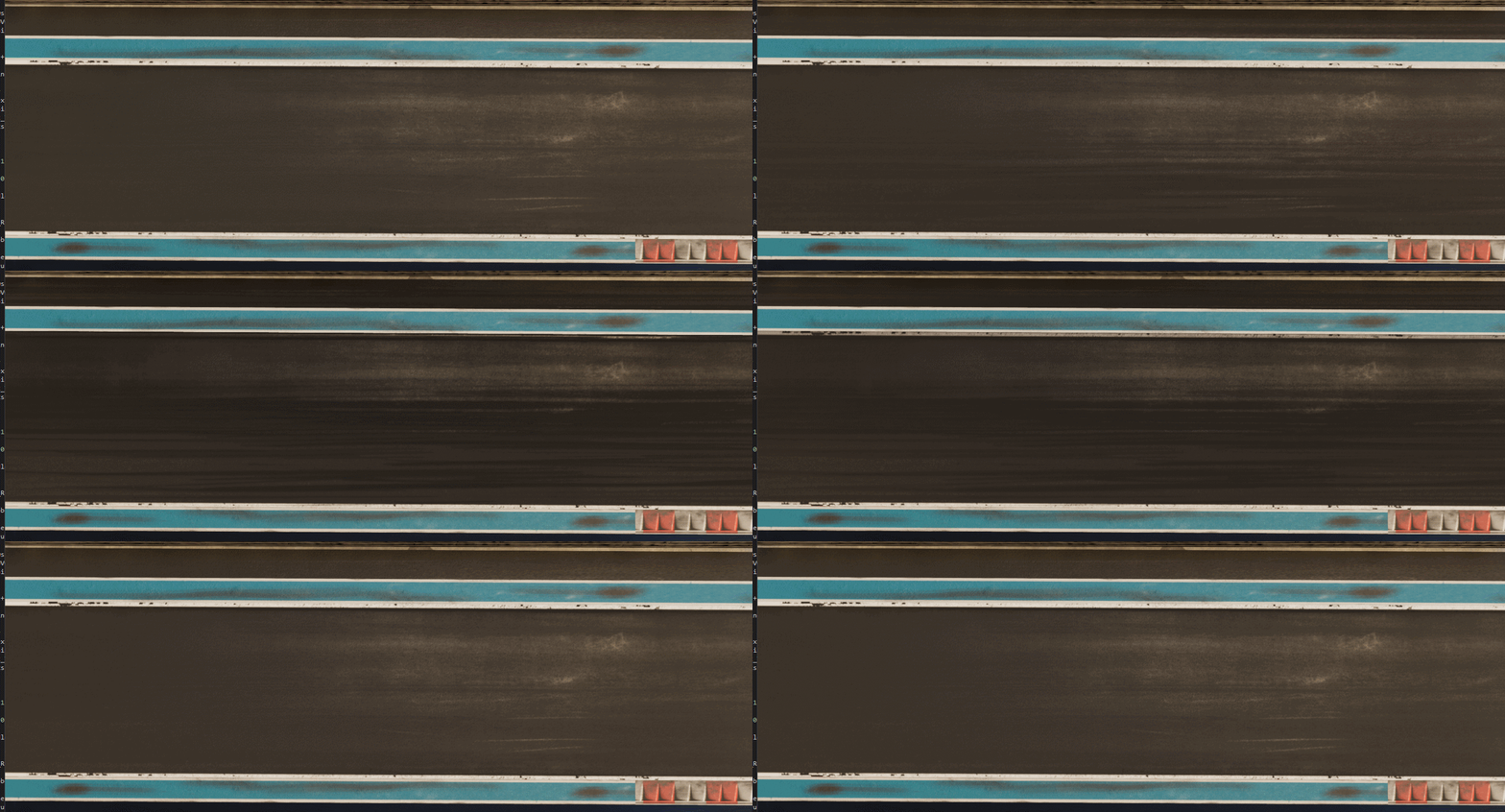
Water level being applied to track. Track can be dry, puddled to fully saturated.

Racing line dispersing the water.

Track evolution in stills, from left to right shows the cycle that track goes through.

Vertex Animated Shader
Shader that artists can use for cheap vertex based animation.
- "Thin" type for Flags. Uses models vertex colour as position data for animation. Artists can paint weights to control anchor points.
- "Foliage_Cheap" uses simple vertex animation to animate foliage.
- "Foliage_Cheap" uses a custom tool in Maya to bake AO and position data to control animation amount.
- "Foliage" uses foliage's pivot, to rotate and bend mesh. Has control for Direction, Spring and Bend.
- "Foliage" needs pivot data for the animation. This is generated in a custom tool in Maya.
- Pivot Based animation needs to be baked to each mesh to allow meshes to be merged to reduce draw calls.
- Shader supports Sub Surface Scattering and double sided geometry.


Pivot Based Tree Animation:
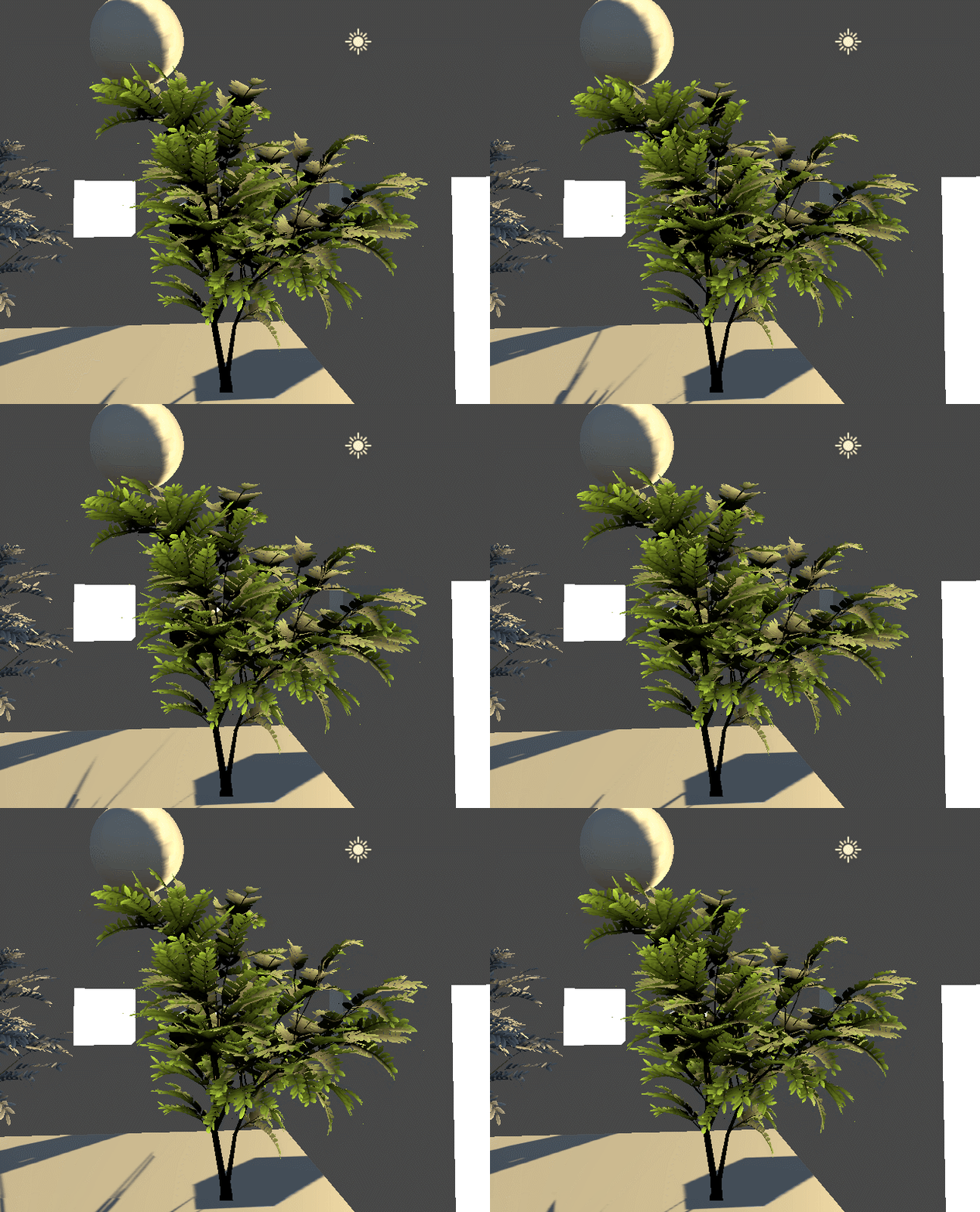
Pivot animation turned up:

Maya to Unity Terrain Blending:
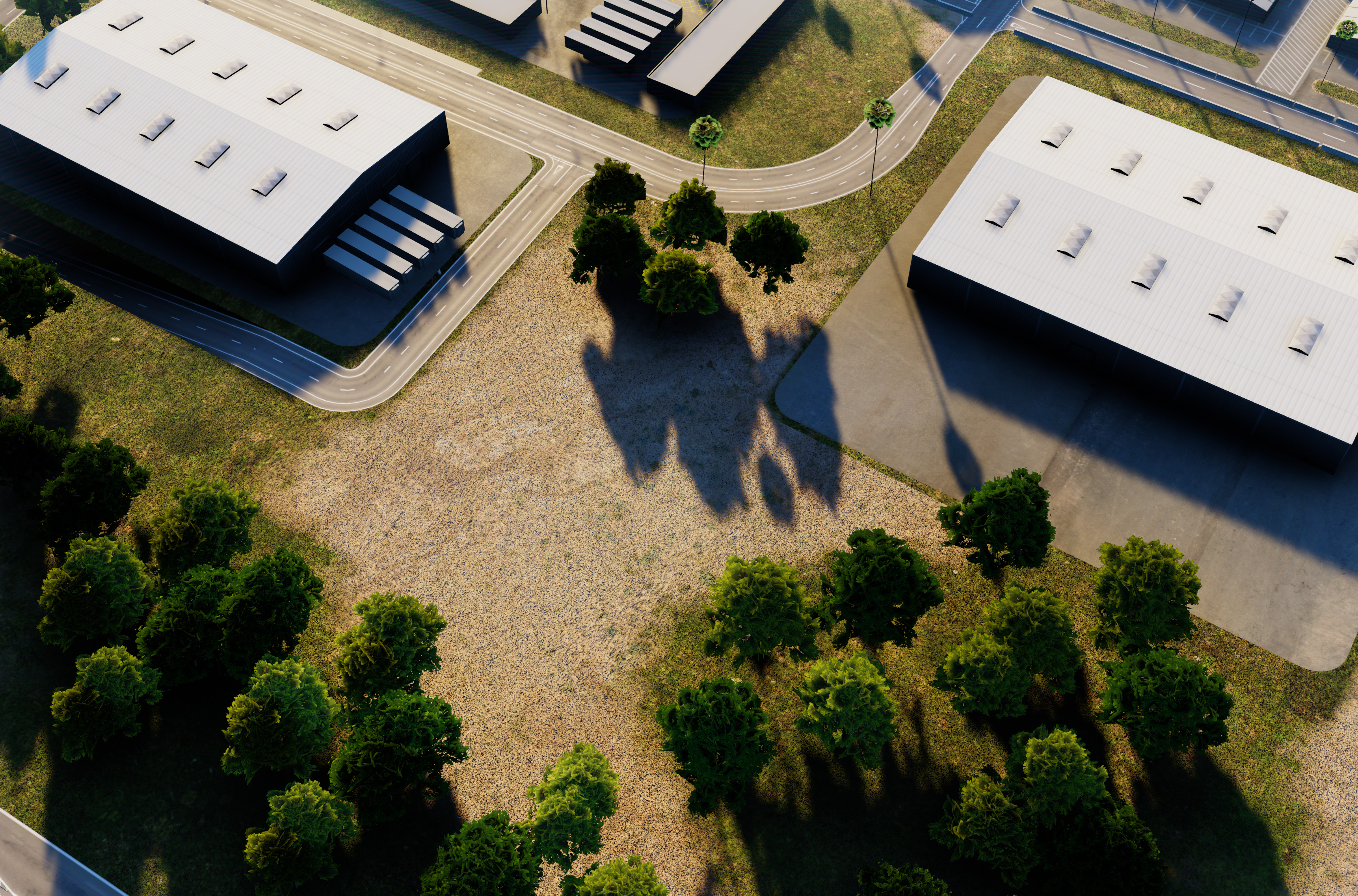
Simple terrain blending for Unity. This is a shader set up to allow artists to blend terrain layers in Unity without using Unity's terrain. The Maya component allows visual feedback in Maya. This was set up using Maya's shader editor. Allowing artists to author their terrain in Maya and get results quickly.
Our graphics programmer (Ben) added a vertex painting tool in Maya to allow artists to edit and paint directly in Unity.
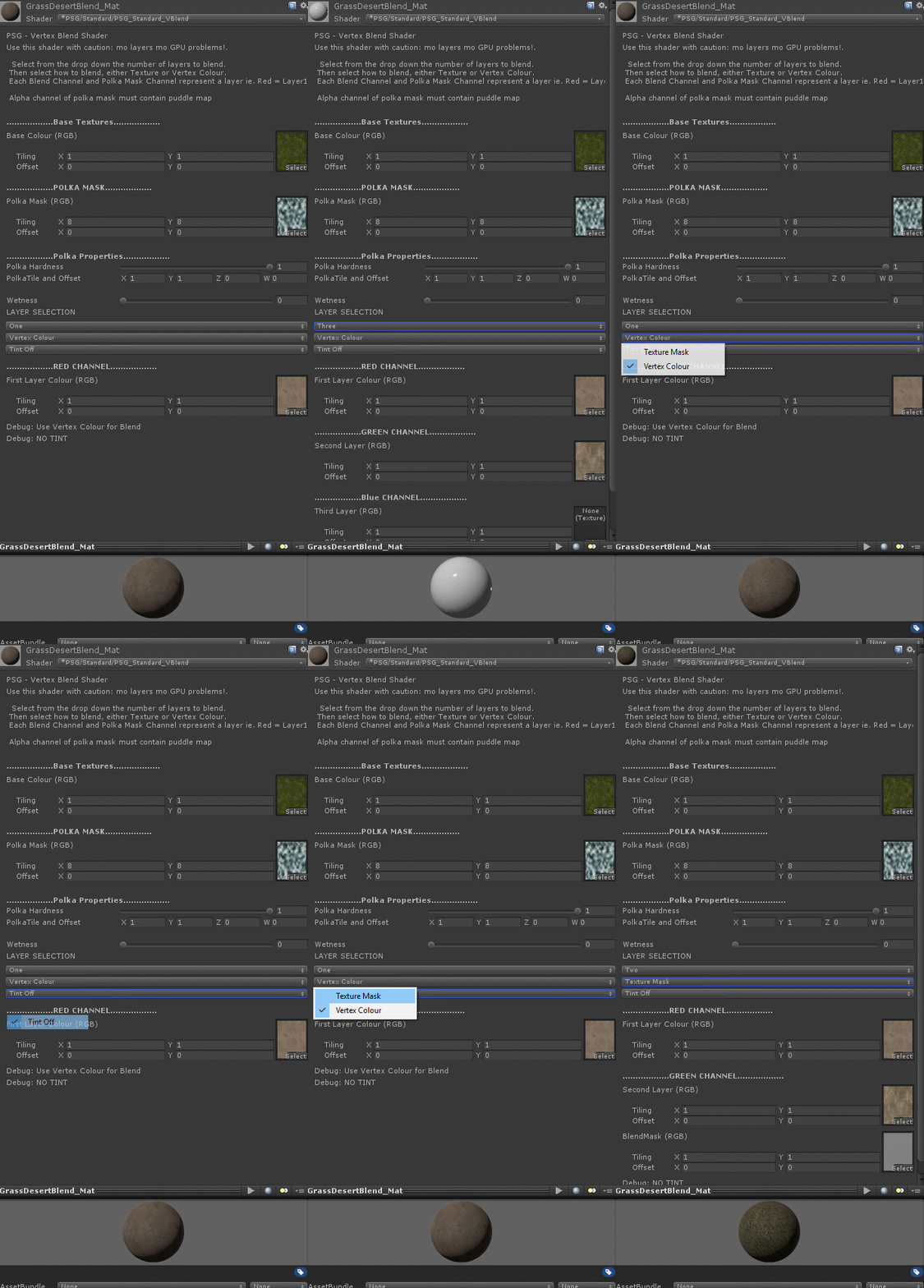
Shader Properties:
- Base Layer
- Red Layer
- Green Layer
- Blue Layer
- Aerial Map Overlay
- Texture or Vertex Blend Toggle
- Detail Normal Toggle
- Puddle Mask (World Space UV)
Unity Ocean Shader
Custom shader and script for oceans in Motorsport Manager. Waves are calculated using Gerstner wave simulation. Mesh is displaced and normals are recalculated in the vertex shader. Artists can tune and tweak the number of wave samples and set properties for each wave.
Each wave can be blended to give reasonably accurate results.
Artist tweakables:
- Number of Wave Samples
- Gerstner Wave Displacement (Wave Height, Length, Trochodial Shape, Speed, Direction)
- Vertex Normal Recalculation
- Displacement Blending based on distance from Camera.
- Depth Based Blending
- Depth based fogging via a LUT
- Subsurface Colour, Intensity, Backscattering Amount
- Planar Reflection (Layer support for selective reflection)
- Fresnel Based Refraction
- Surface Normal Texture for Small Waves
Water in different lighting scenarios:

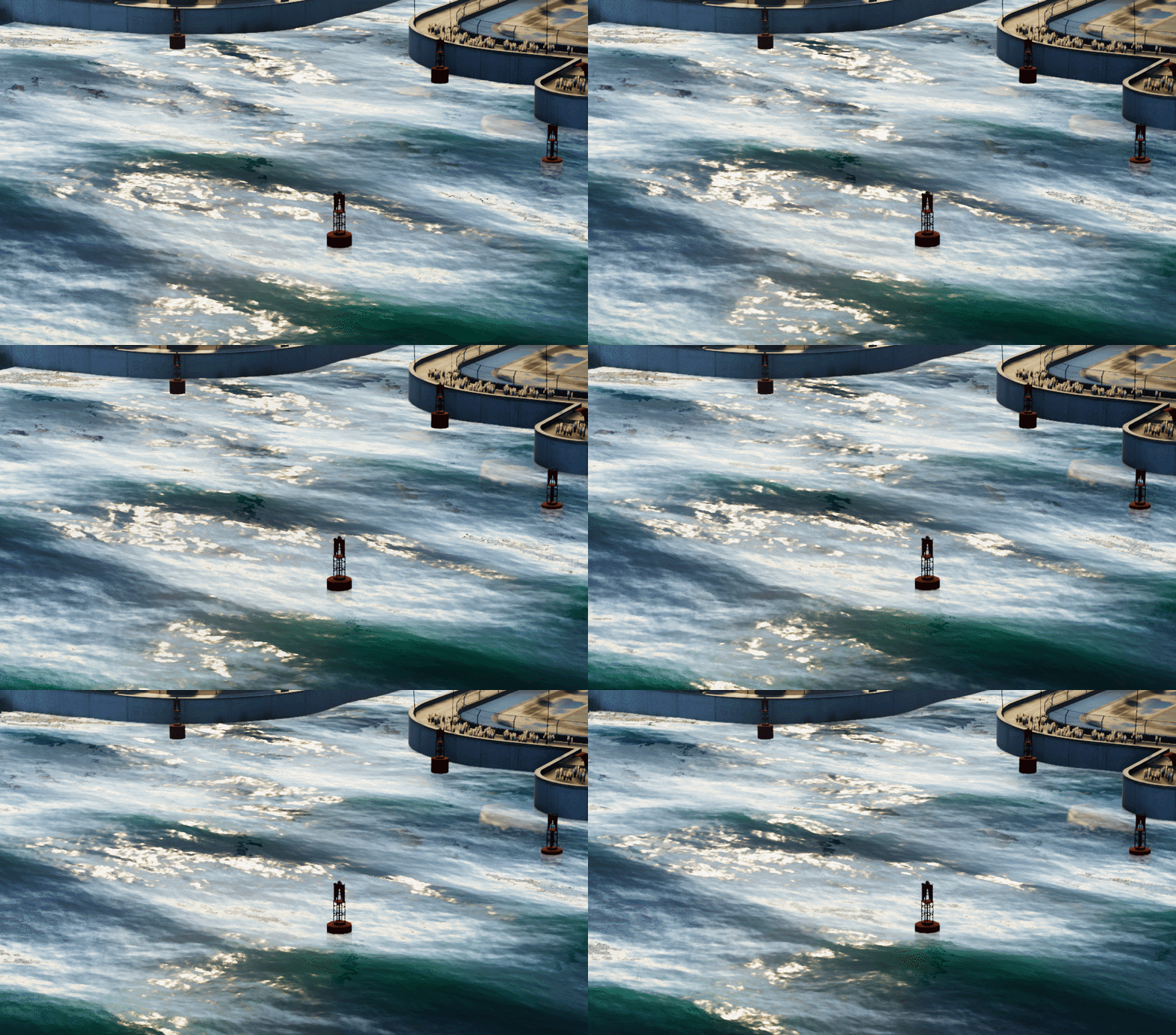

Static Images of water:


Animated objects on surface:

Train Barriers in MM
Artist controlled script to set up timetables for animated objects. In this case I used it to set up a train timetable to animate the barriers as trains pass through.

Tree Pivot Painter Script and Unity Script/Shader
Maya Script:
Maya python script to store the object pivot into the vertex colours of the mesh. This is stored as the normalized direction to the pivot, XYZ as RGB. The alpha channel then contains the normalized distance of each vert to the pivot. Where 0-1 represents the range between 0 to Max Distance.
Artists can then author a single tree frond, set the pivot, then copy and paste the fronds to build the tree. Once this is done, run the script. This paints the pivot information and gives the artist a value. That value is pasted into a Unity material.
Unity Script / Shader:
This is a prefab script and shader to allow for trees to grow using the pivot information. The prefab can be used to set up a number of stages that the tree/plant can exist in. The artist can then author animation curves to control when to grow the fronds, when to grow the trunk and finally how to extrude/shrink the trunk.
Single frond. Then single frond with pivot information stored in verts.

Tree with fronds copy and pasted. They can be translated, rotated and scaled independently.
After the script is run (cell on the right), each vertex has it's pivot information stored in worldspace.


Script interface and result. (Not much to show here!)

Unity prefab set up and Material Properties. Max is the value to be entered from the Maya script. This is the max distance in units from the furthest vert to the pivot.

Final Result in Unity.
First growth:

Second growth:

Final Growth:

Full Animation Cycle:

Unity Custom Sub Surface Shader
This was a shader to add cheap SSS to Unity. It uses a custom lighting model which is just an wrapped diffuse lambert for indirect lighting and specular look up inverted for direct SSS.
- Indirect SSS
- Direct SSS
Comparison between Unity Standard and Custom Lighting

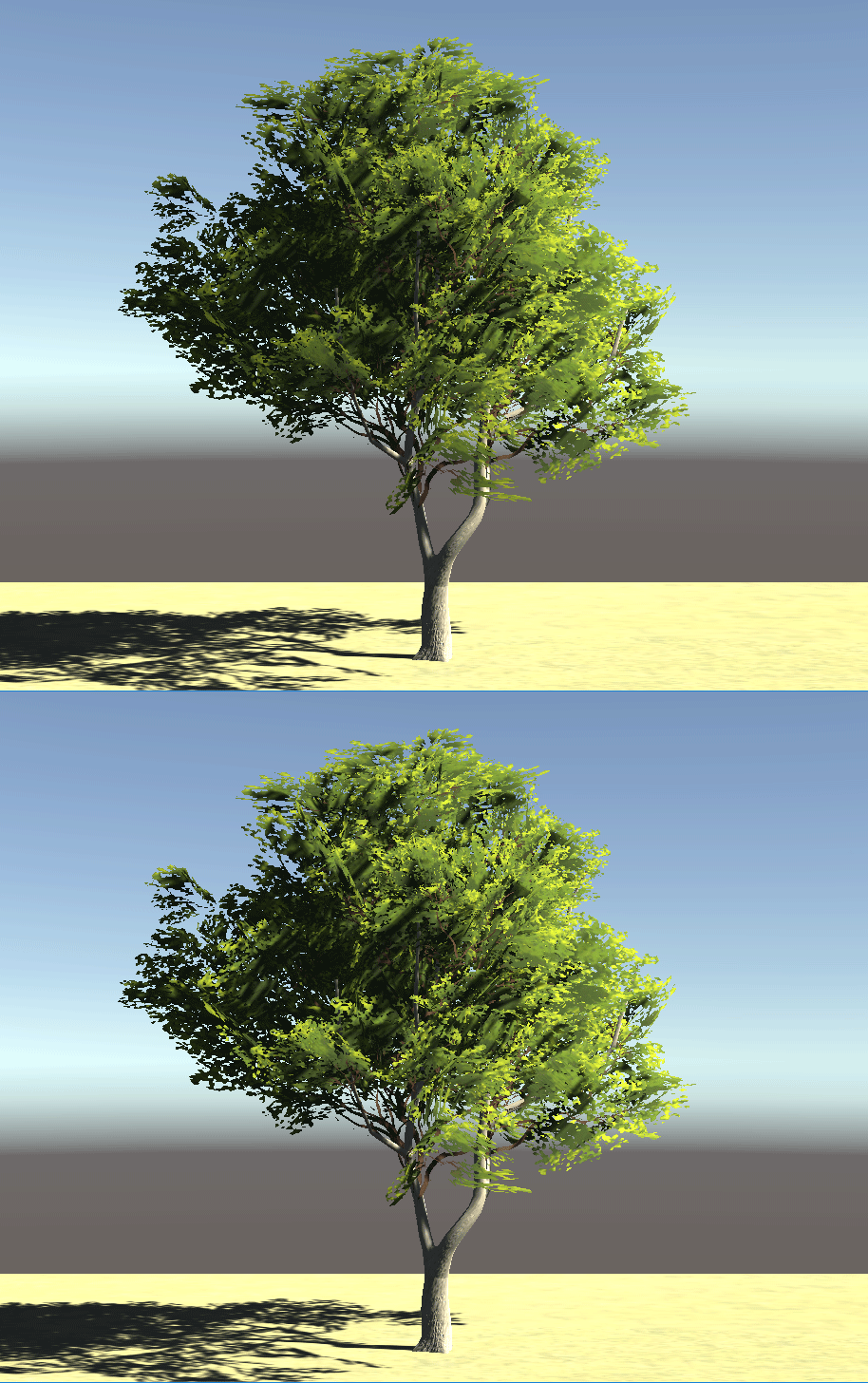
SSS On / Off

Thin Surface SSS. (Intensity is exaggerated for GIF)

SSS Diffusion (Intensity is exaggerated for GIF)

SSS Colour (Disco SSS)

Unity Scatter Object Script
A simple tool in Unity to scatter/build meshes by dragging them out. The tool creates point data, where each point can contain it's own data. That data will eventually be user controlled. The idea being artists can apply their own rule sets to random points, ie Scatter Points based on height and texture.
Script Properties:

Spawn based on spline length:

Spawn based on max count, position along spline:

Spawn based on spline length, with random rotation and offset:
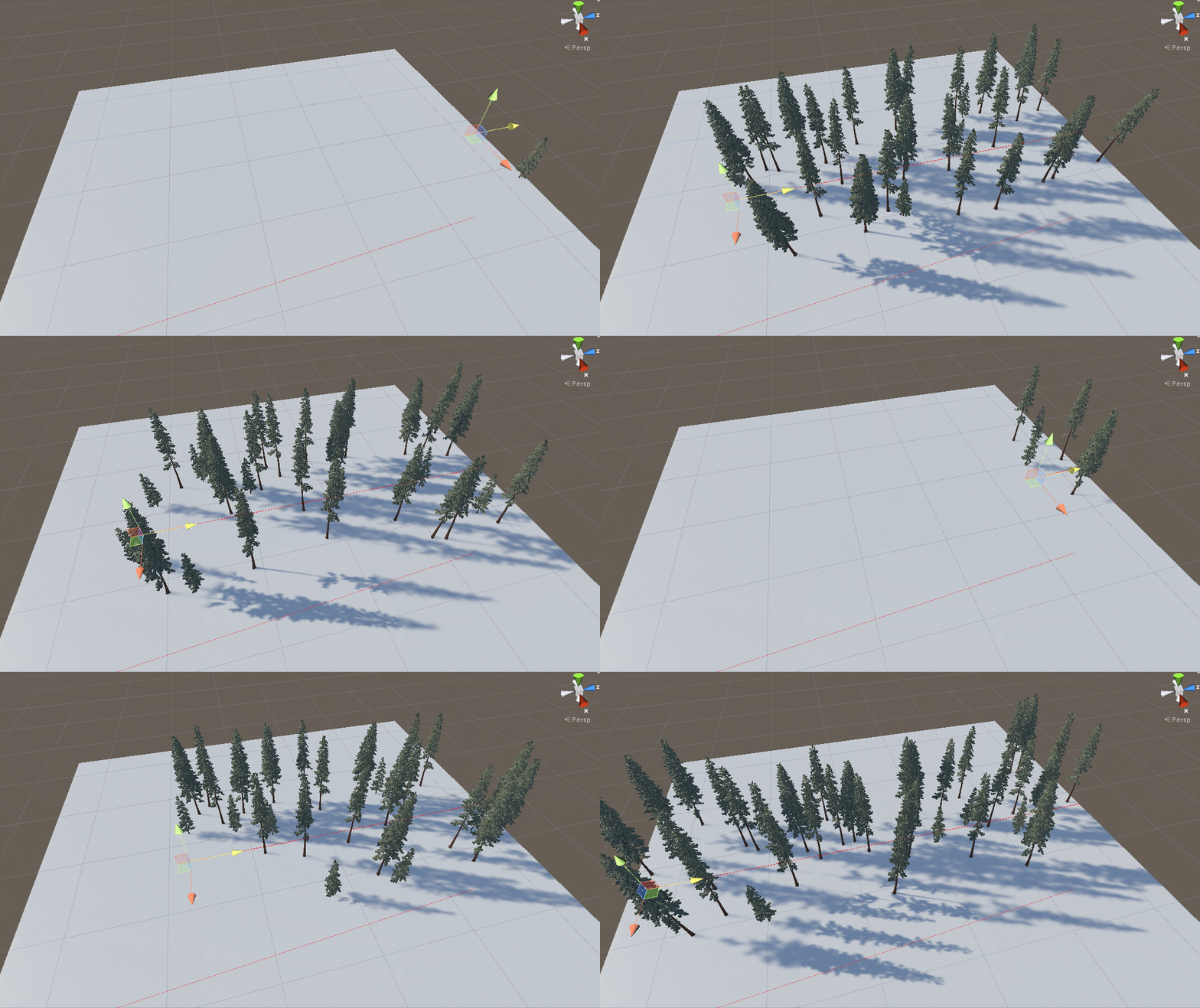
Spawn on max count, random rotation and offset:

Point density control:

Example showing dense meshes:

Secondary example:

Unity Clear Coat
Quick way to add clear-coat to Unity. Effect uses the command buffers to redraw geometry with another material. This can be quite expensive, but allows artists to tweak both layers based on the effect they want and doesn't require changes to Unity's renderer, although the next step would be to investigate building this into Unity's HDRP.

Clearcoat over carbon fiber base:

Clear Coat Smoothness:

Clear Coat Fresnel:
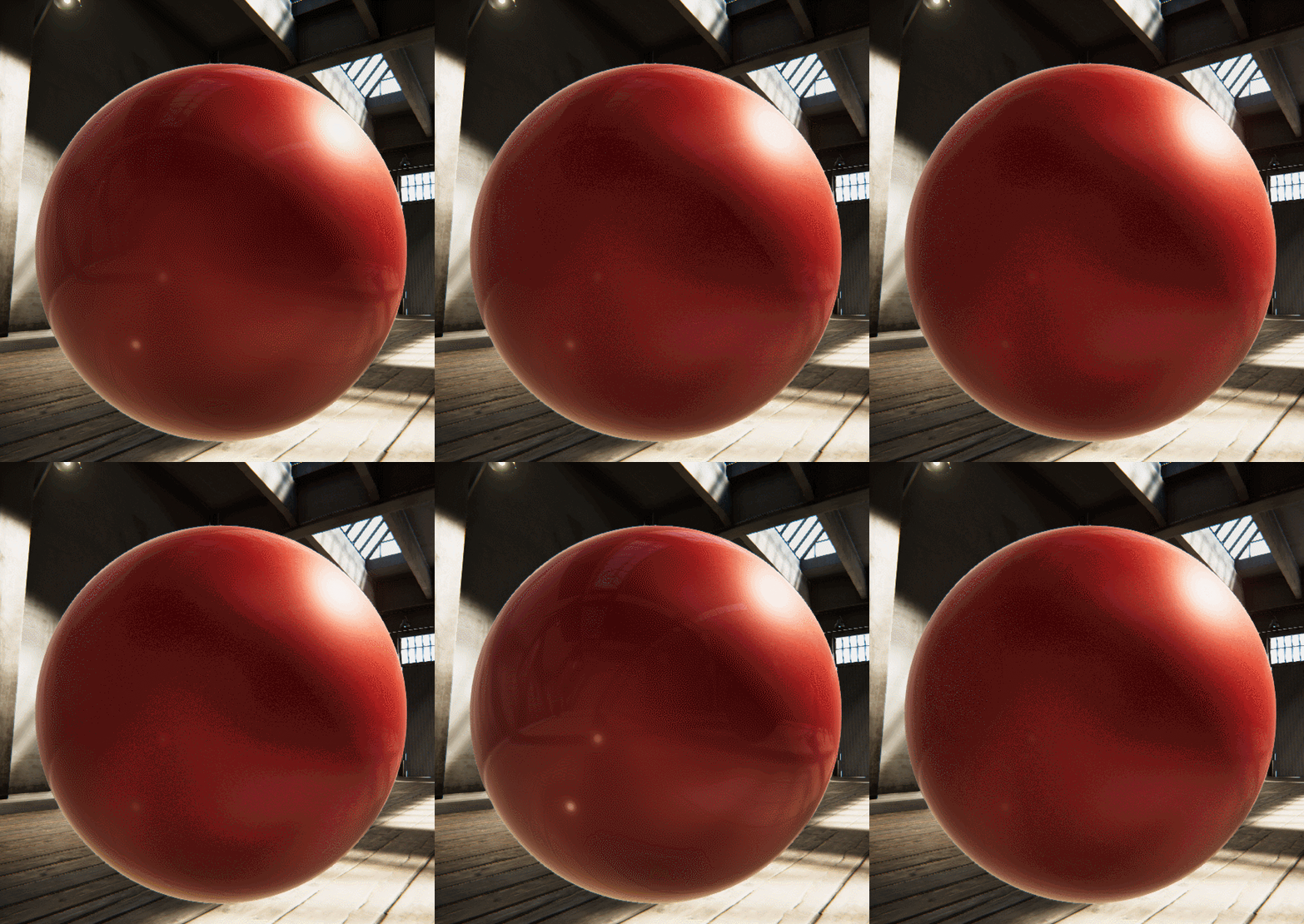
Clear Coat Opacity/thickness

Base Layer Smoothness:
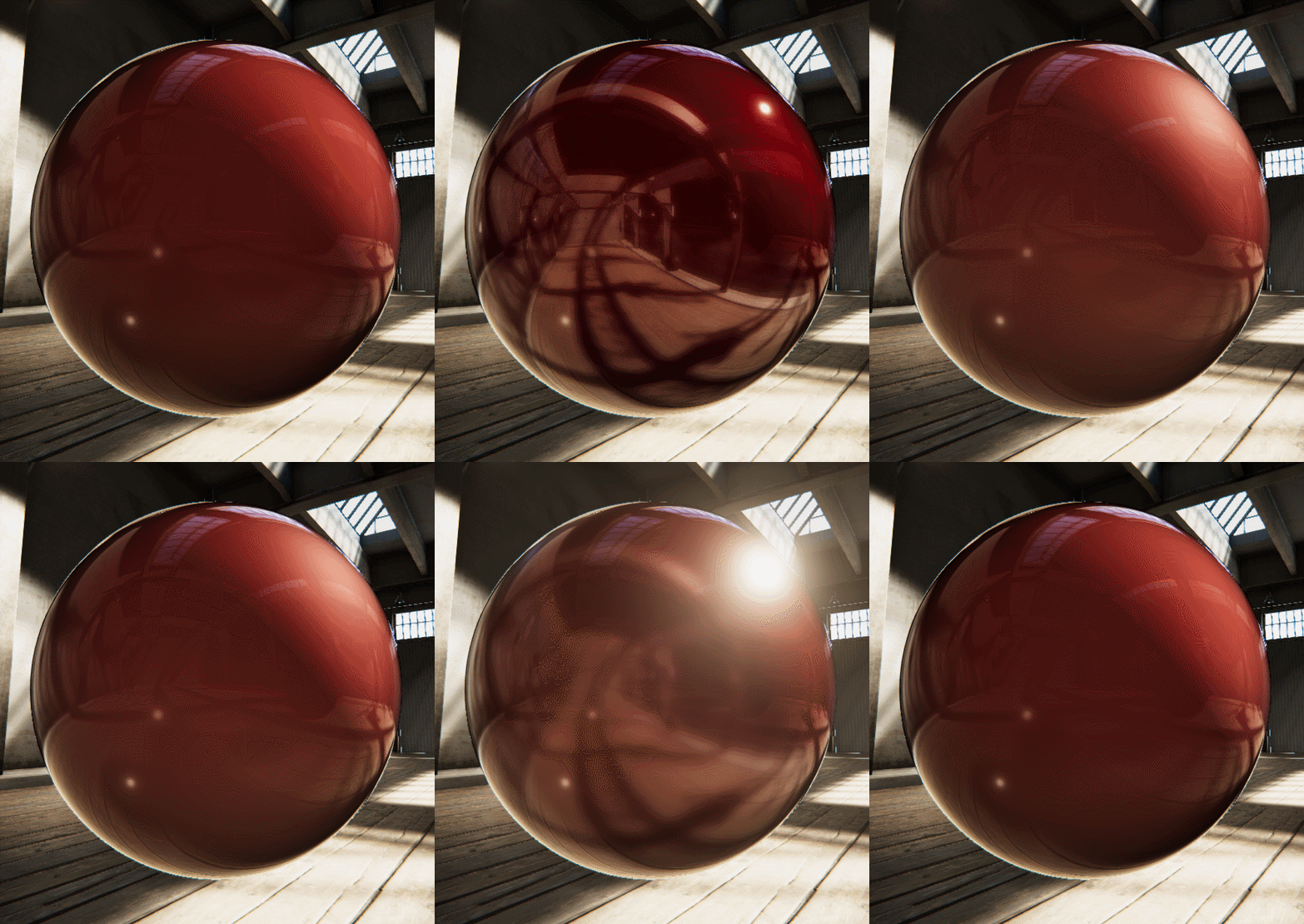
Clear Coat Colour tint (not physically accurate)

Mobile Fog
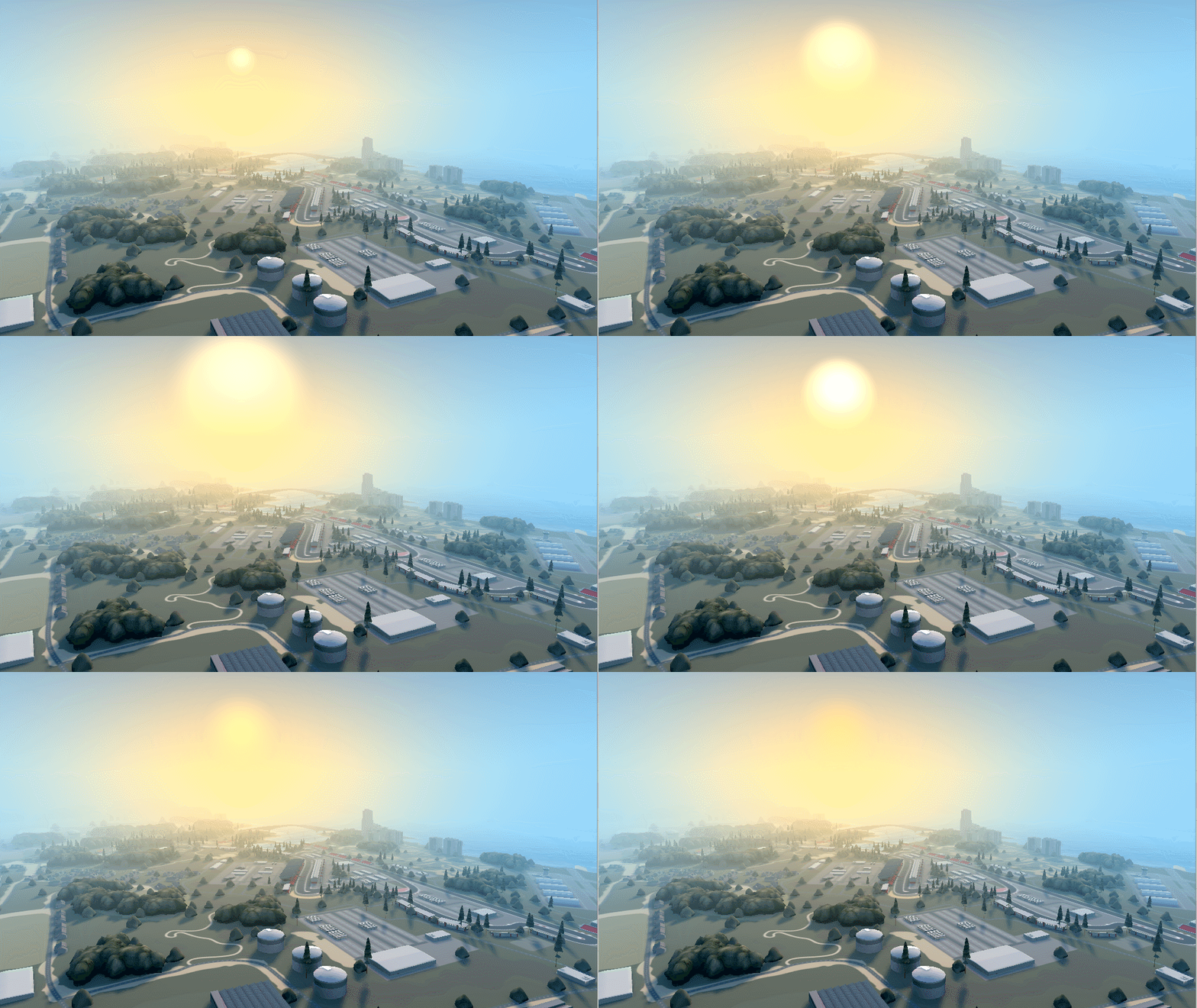
This was a fog post process written to replace Unity's default fog. This fog allowed for directional scattering as a key part of the Art Direction clearly giving the player a sense of their orientation whilst looking at the map. The fog also needed to respond to the weather to give the player a clear indication of when it's damp and raining.
The effect started as a Post Process using the depth buffer to reconstruct the absolute world position of the pixel, from this you can determine the colour and fogged the pixel should be. However being on mobile, using the depth buffer doubled the geometry and draw call count. This wasn't very performant for low end devices.
The solution I implemented was to reconstruct the post process as part of a surface shader. The depth can be calculated per vertex (distance from vert to camera), the world position of the vertex is easy to obtain mul(unity_ObjectToWorldSpace,v.vertex). These two values can be packed into a single float4.
The fog calculation is then calculated in the pixel shader by interpolating the values from the vertex shader.
The end result (image below) shows no clear visual difference. Allowing us to drop the depth buffer and half the vertex and draw-call count, with a minor increase to the shader complexity.

StatDifference:

Environment Manager Settings:
Main Environment Manager written by me. Scriptable Objects and Transition written by Gameplay Programmer.

Fog Transition for weather:

Height Fog Settings:

Extinction Falloff:

Density:

Brightness:

Scattering tied to sun direction:
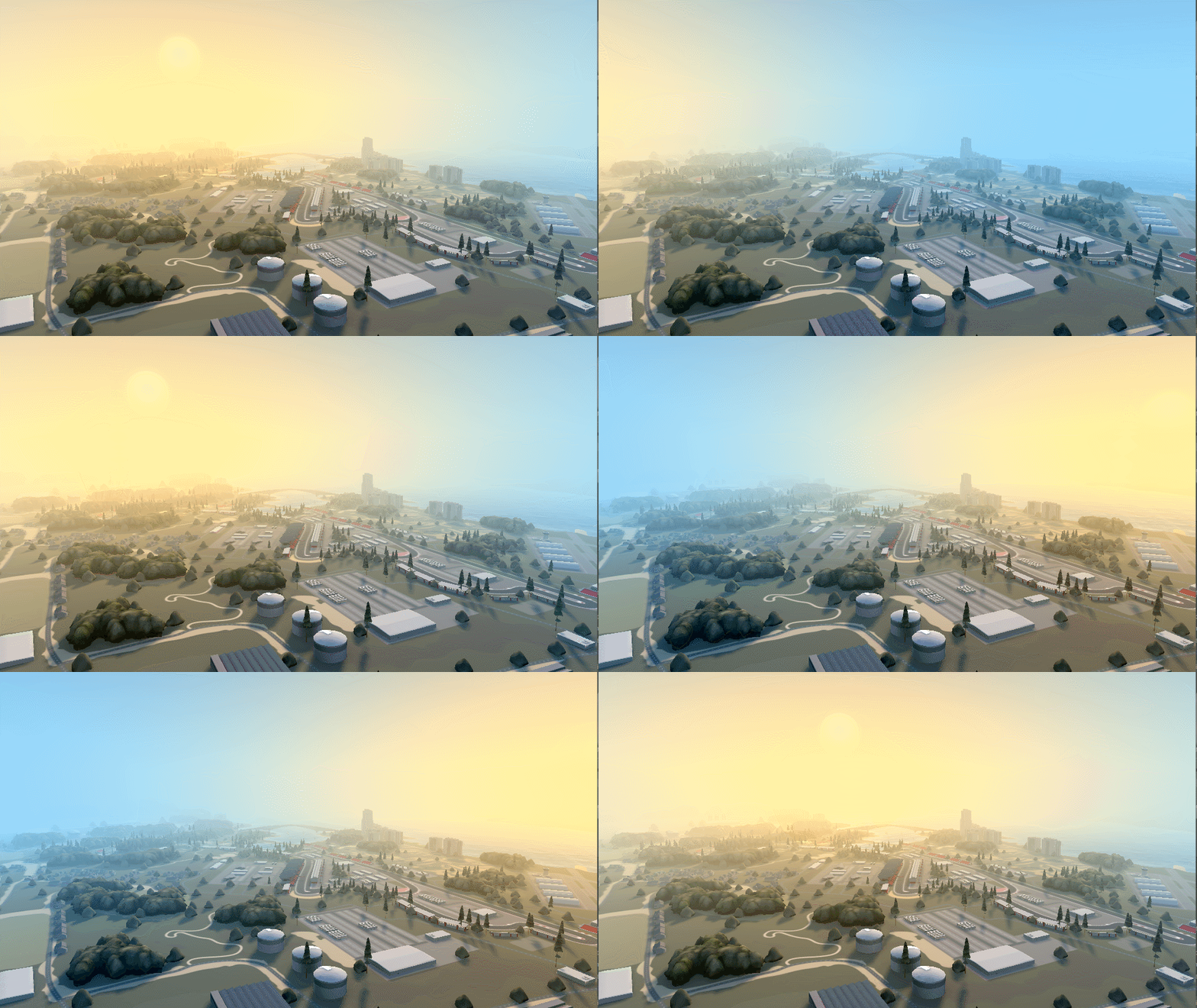
Sun Brightness/Size:
.cginc functions:
Fog Colour:

Scattering Colour:

Houdini to Unity Terrain:
This is a tool that I am working on as part of a project. This idea is the game would have massive terrains which would need to be artist authored. Houdini's terrain tools allow you to work in chunks and export those out with custom data.
That data would then be able to be read by Unity and then generate the terrain in the editor. Ideally, this would not be saved as static mesh data but generated at runtime.
The terrain generation reads the heightmap from Houdini and creates a custom mesh, repositioning the vertex based on the heightmap value. Artists can then choose the terrain resolution and number of patches they want to create.
Houdini Single Terrain Chunk:

Simple Network Setup: (Could be extracted out to controls for artists, however most chunks require artistic control)

Base layer material set up and render:

Outputs from Houdini:
Colour Map, AO, Normal, Snow Buildup, Water, Silt/Mud.

Terrain Built in Unity:

Terrain Chunks 2x2:

Terrain Chunks 8x8:


Tree Point Positions generated in Houdini

Houdini City Builder
Very quick tool to fill out backgrounds of levels. Mostly designed to generate a quick background/skyline.

Artist placed roads. Artist has more control over the shape of the city they want to create.
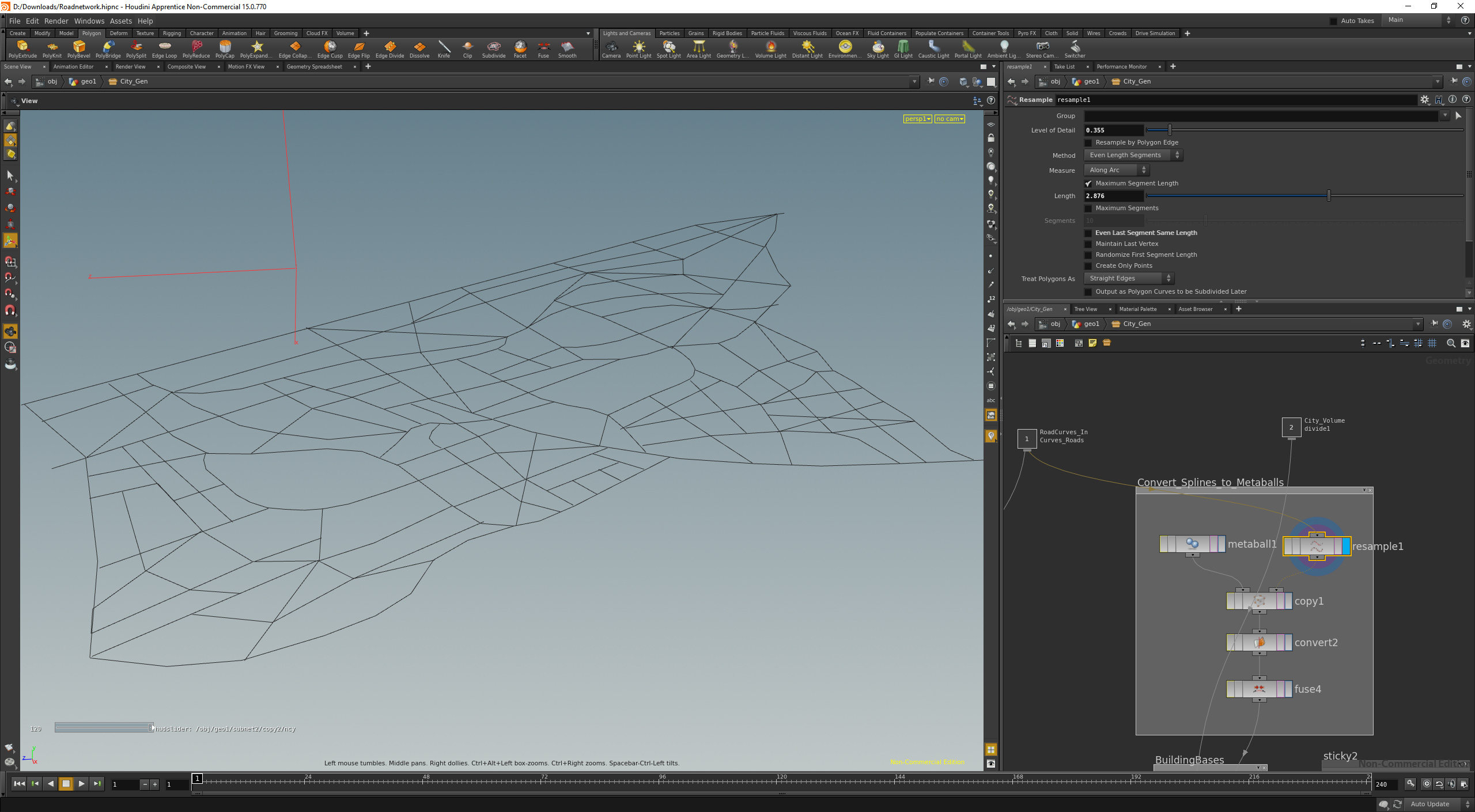
Volume Finding:

District/Blocks automatically created from volume finding/road layout.

Randomise Block selections:

Use random selections to cut blocks into smaller building tiles. Some randomly apply intersecting roads/alleys.

Extrude first layer. Randomize heights.

Select rooftops, randomise selection by area size. Extrude second layer.

Render

